
Get started
Quickstart
Make your first film in a few minutes, in the browser or the Mac app.
You need an AnimSpark account and nothing else. The steps are the same in the browser and in the Mac app.
Sign in
Open the AnimSpark app or the Mac app and choose Continue with Google, Continue with GitHub, or enter your email. In the browser, email sign-in uses a 6-digit code we send you; in the Mac app, every option finishes in your usual browser and brings you back. The same screen signs you up if you're new.
New accounts start on the Free plan with 200 credits. No card needed.
Write one sentence
After you sign in, the app opens straight into a project. A new, empty project asks What do you want to make? in the chat and offers a few ready-made sentences: click one to put it in the box (nothing is sent yet), press Shuffle for others, or type what you want in your own words. One sentence is enough:
- "A whale leaps out of the sea and swims into the northern lights."
- "A 30-second launch film for our new app."
- "Explain what a black hole is in one minute."
Say how long it should be, who it's for and the feeling you want if you know. See Writing a brief for more.
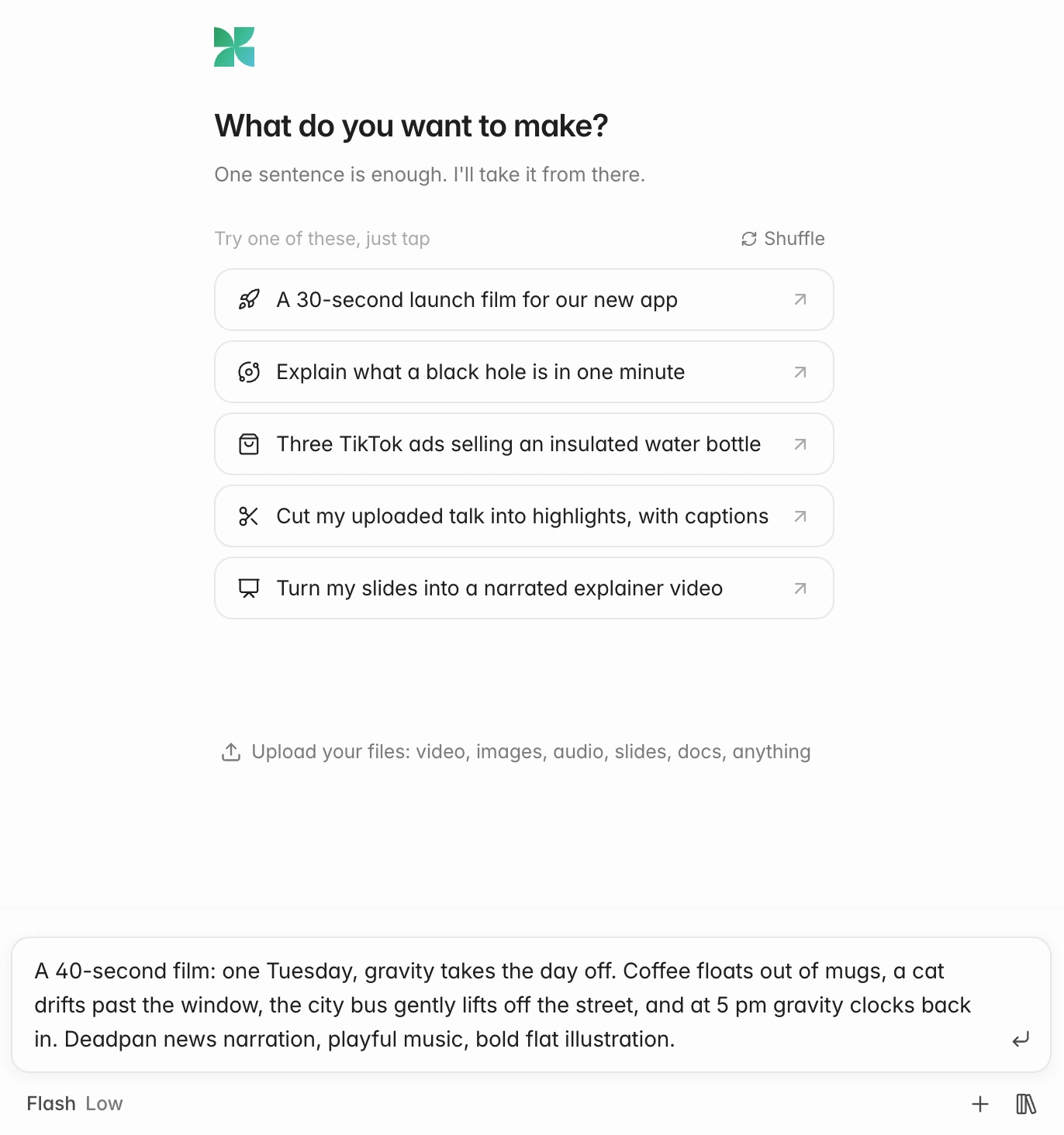
A new project with a brief typed in: one sentence, with the length, the story and the look. To start another film later, open Projects at the top left and choose New project.
Add your files
Drop files onto the box, paste them, or press + (Add files). Images, documents, slides, spreadsheets, recordings and footage all work. The agent reads them and uses them in the film. See Adding your material.
Pick a model
The chip under the box, on the left, shows the model and effort, like Ultra Low or Flash Low. Click it to change them. Flash is on every plan; Pro and Ultra come with paid plans. See Models and effort.
Send it
Press Enter (ShiftEnter adds a new line). The agent starts working.
Watch it work
The chat shows what the agent is doing, one line per step: writing scenes, looking at frames, recording narration, composing music. The film appears in the viewer and the timeline fills in as it goes.
- If the agent needs to know something, it asks you with a short list of options.
- Before it generates a video clip, it shows you the estimated credits and waits for Generate or Skip.
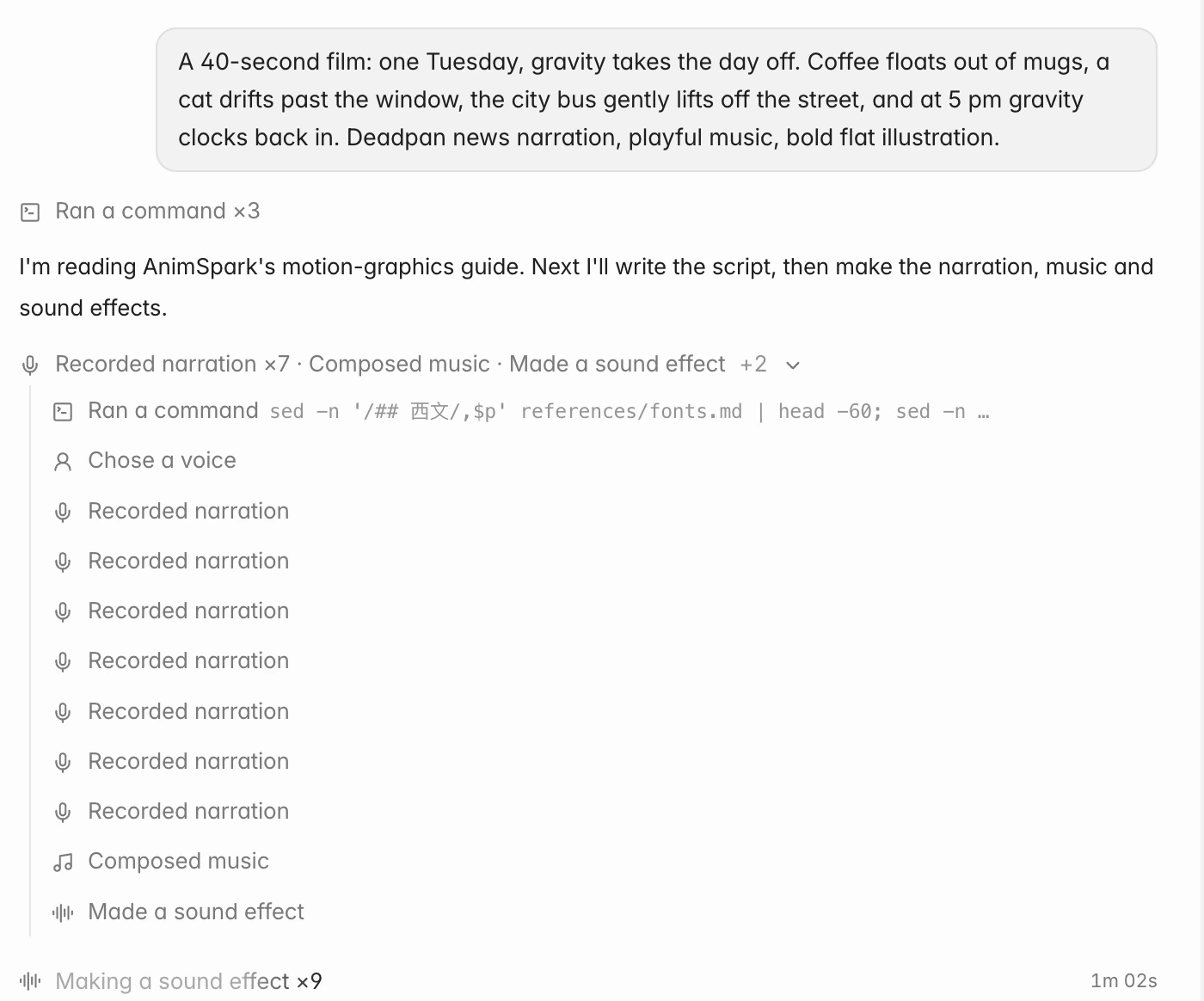
The agent at work: narration recorded, music composed, sound effects on the way. Play your first cut
When it's done, the agent says so and shows a Changes card with the film's length and the scenes it made. Press Space to play.
Then keep going: say what to change in the composer, or change it yourself in the picture and on the timeline. See The editor at a glance.
Next steps
- Ask for changes: point at a moment or a selection with
@. - Edit on the canvas: retype text, move and resize things directly.
- Export: download your film as a video, GIF, audio, subtitles, stills or slides.